

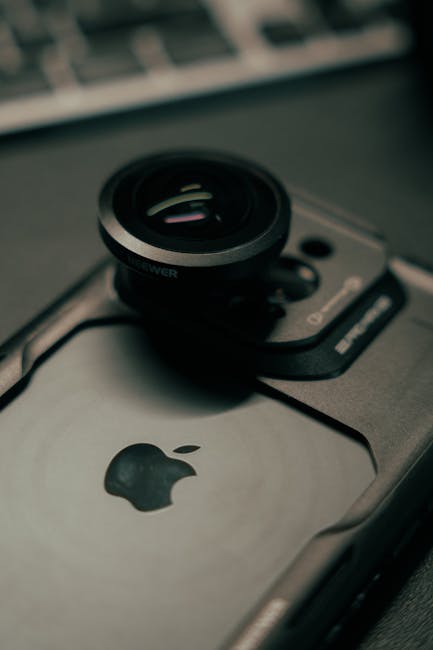
Are you tired of your iPhone camera misbehaving? Frustrated by blurry shots, unexpected crashes, or that infuriating black screen? Well, breathe easy, iPhone photographers! The latest update, iOS 26, has landed, and it’s packed with fixes specifically targeting those persistent camera app problems that have been plaguing users.
What’s New (and Fixed!) in the Camera App?
Apple has been listening, and it shows. iOS 26 addresses a range of common camera app issues, aiming to bring back the seamless, high-quality photography experience you expect from your iPhone. Here are some of the key problems you can expect to be resolved:
- The Elusive Black Screen: One of the most infuriating bugs, the black screen that renders your camera unusable, has been a persistent thorn in many users’ sides. iOS 26 implements robust solutions to prevent this from happening, ensuring your camera is ready when inspiration strikes.
- Blurry Messes No More: Whether it was focus issues, accidental shakes, or software hiccups, blurry photos have been a common complaint. This update fine-tunes the camera’s focusing mechanisms and image stabilization algorithms to deliver sharper, clearer images consistently.
- App Crashes Vanquished: For some, the camera app would unexpectedly quit or freeze, leading to missed moments and lost work. iOS 26 tackles the underlying software conflicts and memory management issues that caused these frustrating crashes.
- Photo Quality Improvements: Beyond bug fixes, iOS 26 also brings subtle but significant enhancements to image processing, leading to better color accuracy, improved low-light performance, and more detail in your shots.
- Video Recording Stability: It’s not just about stills! Video recording glitches, dropped frames, and audio sync issues have also been addressed, ensuring smoother and more reliable video capture.
Don’t Miss Out on Better Photos!
Updating to iOS 26 is a no-brainer for anyone who relies on their iPhone for capturing memories, creating content, or simply documenting their day. The improvements to the camera app alone make this a highly recommended upgrade.
How to Update:
- Go to Settings.
- Tap General.
- Tap Software Update.
- Download and install iOS 26.
Have you updated to iOS 26 yet? Have you noticed improvements in your iPhone camera? Let us know in the comments below!