

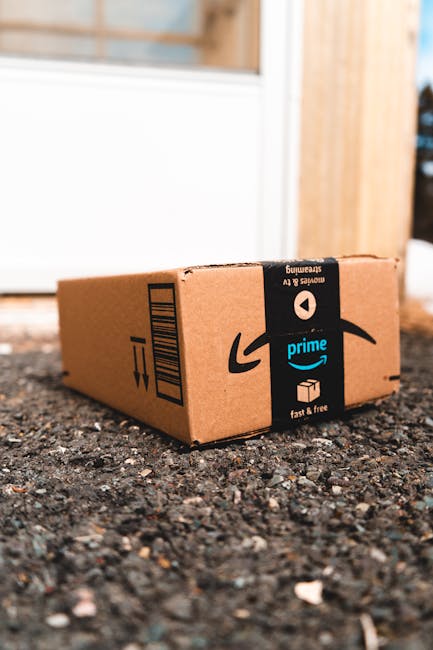
Prime Day is almost here, and the temptation to snag those ‘too good to be true’ deals is real. But what if you could outsmart the hype and ensure you’re actually saving money, not just spending it? The secret weapon you need is a price alert!
Gone are the days of endlessly refreshing pages, hoping for a price drop. With a few simple clicks, you can set up automated alerts that notify you the moment an item you’ve been eyeing hits your desired price point. This is your ultimate defense against impulse buys and the dreaded post-Prime Day buyer’s remorse.
How to Set Up Your Prime Day Price Alerts:
- Identify Your Must-Haves: Before Prime Day officially kicks off, make a list of the products you genuinely want or need.
- Utilize Price Tracking Tools: Several browser extensions and websites are designed specifically for this. Popular options include CamelCamelCamel (for Amazon), Honey, and Keepa.
- Set Your Target Price: Once you’ve found your desired product on Amazon, use the tracking tool to set your alert. Enter the price you’re willing to pay.
- Get Notified: When the product’s price drops to or below your target, you’ll receive an email or browser notification. It’s that simple!
By leveraging these price alerts, you transform Prime Day from a potential spending trap into a strategic shopping opportunity. You’ll be alerted to genuine discounts, allowing you to buy what you want at a price you’re truly happy with. So, before the deals start rolling in, get your price alerts set up and prepare to shop smarter, not harder, this Prime Day!