
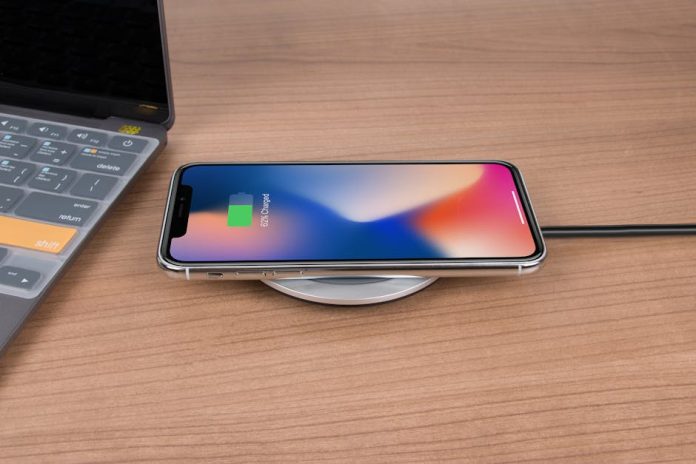

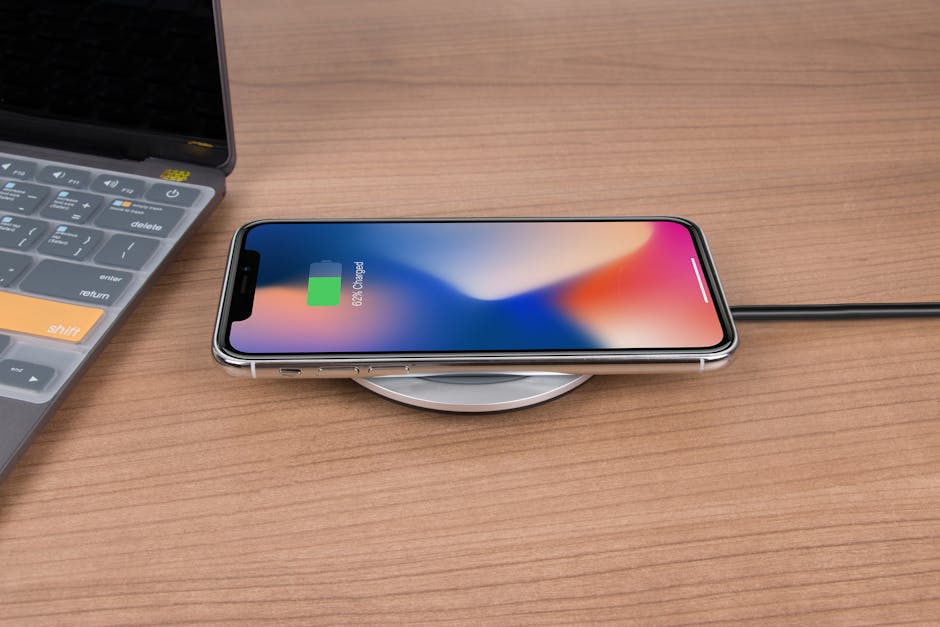
The buzz around the latest iOS 26 update is undeniable, promising exciting new features and performance enhancements. However, a critical issue is emerging: not all iPhones are playing nice with the new battery life optimization tools. If you’re experiencing a significant and unexplained drop in your iPhone’s battery life since updating, your device might be among those incompatible with the new iOS 26 battery management system.
Apple’s commitment to improving battery performance with each software iteration is usually a welcome change. But this time, reports suggest a disconnect. Users on older iPhone models, in particular, are finding that the new battery-saving algorithms are either ineffective or, worse, actively draining their power reserves faster than before. This isn’t just a minor inconvenience; for many, a reliable battery is the backbone of their daily digital life.
So, what’s going on? While Apple hasn’t officially detailed the exact reasons for this incompatibility, speculation points to the hardware limitations of older iPhone models. The sophisticated battery management features in iOS 26 may require processing power or specific hardware components that aren’t present in devices from several generations ago. Think of it like trying to run the latest high-definition video editing software on a computer from the early 2000s – it’s just not built for it.
What can you do if your iPhone is struggling with iOS 26 battery life? The first step is to ensure you’ve thoroughly checked your battery usage statistics within the Settings app. Identify which apps are consuming the most power and consider limiting their background activity or offloading them if they’re not essential. For those with older devices, a factory reset can sometimes clear out lingering software glitches that might be exacerbating the problem.
However, for widespread incompatibility, your options might be limited. You could try downgrading to a previous iOS version if Apple still supports it, though this is often a temporary fix and may leave you missing out on security updates. The most straightforward, albeit perhaps unwelcome, solution might be considering an upgrade to a newer iPhone model that is designed to fully support the advanced features of iOS 26 and beyond. While this isn’t ideal for everyone, it’s the most guaranteed way to ensure optimal performance and battery longevity in the long run. Keep an eye on Apple’s official support channels for any potential patches or workarounds that may be released to address these compatibility concerns.